

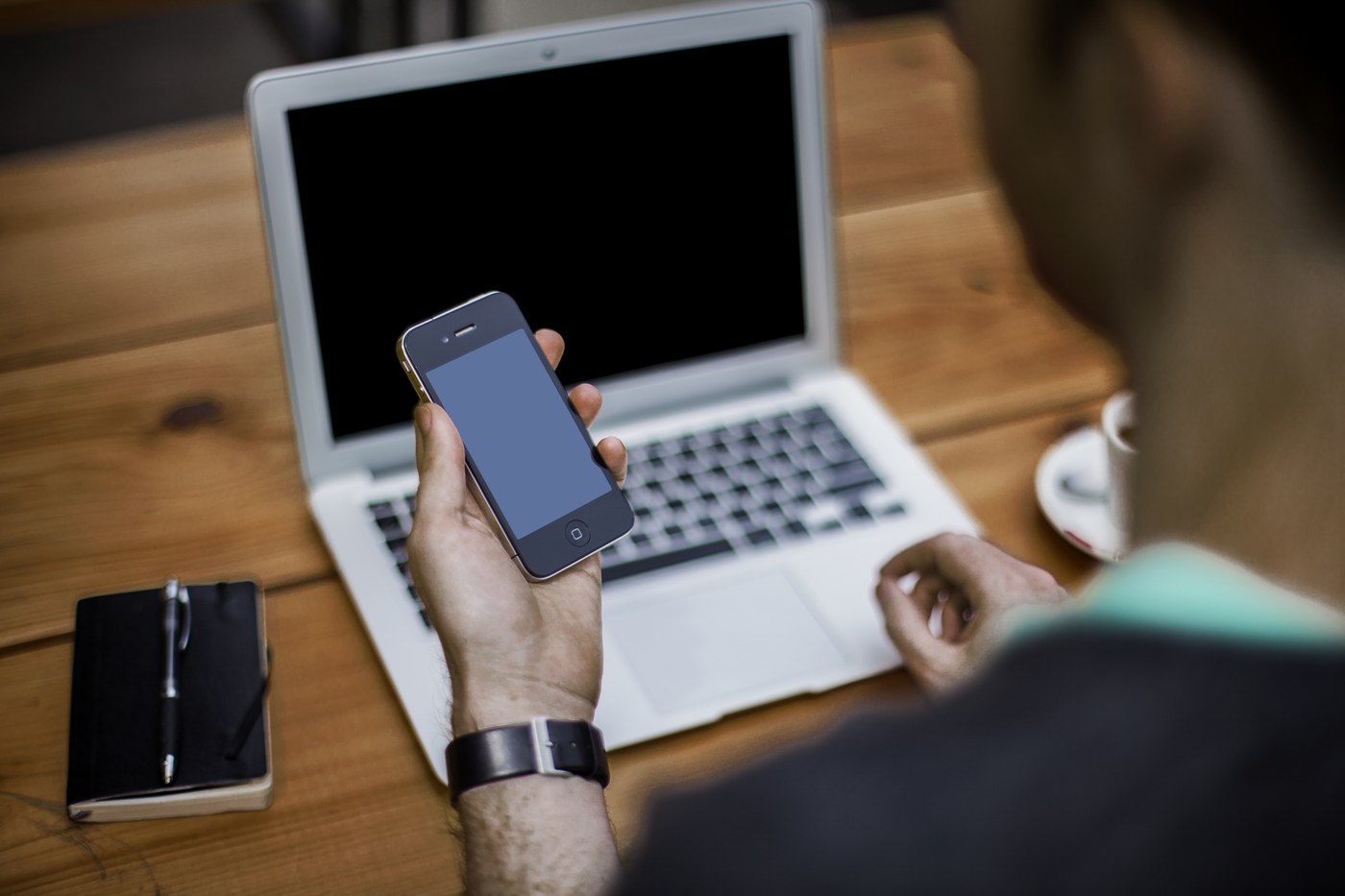
Moving a file from one device to another sounds simple until you try it. Email rejects the attachment for being too large, the messaging app compresses your video beyond recognition, the USB cable is in another room, and the cloud drive wants you to sign in, wait for a sync, and share a folder before anything moves. That everyday frustration is exactly what Send AnyWhere is built to remove: a file transfer service that sends files of any size directly between devices, protected by a simple 6-digit key, with no sign-up and no account to create.
What Is Send AnyWhere?
Send AnyWhere is a cross-platform file transfer service that lets you send photos, videos, documents, music, and entire folders from one device to another in a few taps or clicks. Instead of uploading everything to a personal cloud account and managing sharing permissions, you simply choose the files on the sending device, receive a one-time 6-digit key, and enter that key on the receiving device to start the transfer.
The service runs through apps for phones and computers as well as through the web, so a file can travel from an Android phone to a Windows laptop, from an iPhone to a Mac, or between two computers in different cities just as easily. Because the sender and receiver connect directly whenever the network allows it, transfers are typically far faster than uploading to a distant server and downloading again.
Key Features
No Account and No Sign-Up
There is nothing to register and no password to remember. You open the app or the website, pick your files, and share the key. That makes Send AnyWhere ideal for one-off transfers and for helping friends, family members, or clients who do not want to create yet another account just to receive a file.
A Simple 6-Digit Key
Every real-time transfer is protected by a one-time 6-digit key that the sending device generates on the spot. The receiver types the key into their own app or browser and the transfer begins. The key works once and expires quickly, so a file cannot be picked up later by someone it was never meant for.
Any File, Any Size
Send AnyWhere does not force your content through the size limits that make email attachments fail. Large video projects, photo libraries, software installers, and compressed archives can all be sent in their original form, without splitting files into pieces or shrinking their quality.
Works Across Platforms
Apps are available for Android and iOS, and desktop versions cover Windows and macOS, with the web version filling the gaps for everything else. Whatever combination of devices you own, the same simple key-based flow works between them.
Shareable Links When You Need Them
When the other person is not ready to receive right away, you can generate a shareable link instead of a real-time key. The link can be passed along through any messaging app or email and downloaded later, which suits larger files and recipients in other time zones.
How Send AnyWhere Works
The process takes less than a minute. On the sending device, you select the files and tap Send; the service displays a 6-digit key and a QR code. On the receiving device, you choose Receive, enter the key or scan the code, and the files start arriving. If both devices can reach each other directly, the data flows between them at full local speed; if not, the transfer is relayed securely over the internet. Either way, there are no cables, no removable drives, and no waiting for a cloud folder to finish syncing before the other side can begin.
Getting Started with Send AnyWhere
On a computer you do not even need to install anything: open sendanywhere.org in your browser, drag your files into the Send box, and share the 6-digit key that appears. On a phone or tablet, install the Send AnyWhere app from your app store, grant it access to the files or media you want to send, and you are ready. To receive, open the app or website, enter the sender’s key before it expires, and choose where to save the incoming files. That is the whole learning curve.
Send AnyWhere Use Cases
The service fits daily life surprisingly often. Photographers move full-resolution shots from phone to computer without a cable. Students send presentations and recorded lectures to classmates in seconds. Families share long videos of birthdays and holidays without the quality loss that messaging apps impose. Small teams pass large design files, documents, and archives to each other or to clients without negotiating cloud permissions, and travellers copy maps, documents, and media between their own devices on hotel Wi-Fi. Anywhere a file needs to move quickly between two devices, the key-based approach is hard to beat.
Frequently Asked Questions
Is Send AnyWhere free to use?
The core transfer features are free: you can send and receive files with the 6-digit key without paying and without creating an account. Optional paid plans add extras such as larger link storage and longer link availability for heavy users.
Do both devices need the app installed?
No. The receiver can use the website in a browser instead of the app, which is handy when you are sending to someone else’s computer. Installing the app simply makes regular transfers faster to start.
How large a file can I send?
Real-time key transfers are designed for files of any size, including multi-gigabyte videos and archives that email and most messaging apps refuse. Link-based sharing has generous limits as well, especially on paid plans.
Is the 6-digit key secure?
Yes. The key is generated fresh for each transfer, works only once, and expires after a short time. Transfers themselves are encrypted, so the combination works much like the one-time codes you already trust for banking sign-ins.
What happens if the key expires before I enter it?
Nothing is lost; the files simply stay on the sender’s device. The sender generates a new key and you try again, which takes a few seconds.
File transfer does not need accounts, cables, or size limits. Pick the file, share the key, and let Send AnyWhere handle the rest.
